
Designing an efficient home office revolves around crafting a workspace that enhances concentration and streamlines your workflow. By carefully arranging your surroundings, you can elevate your productivity and enjoy a more satisfying remote work experience. Below, discover actionable strategies to transform your home office into an organized and inspiring environment.
Maximizing Vertical Space for Efficient Storage
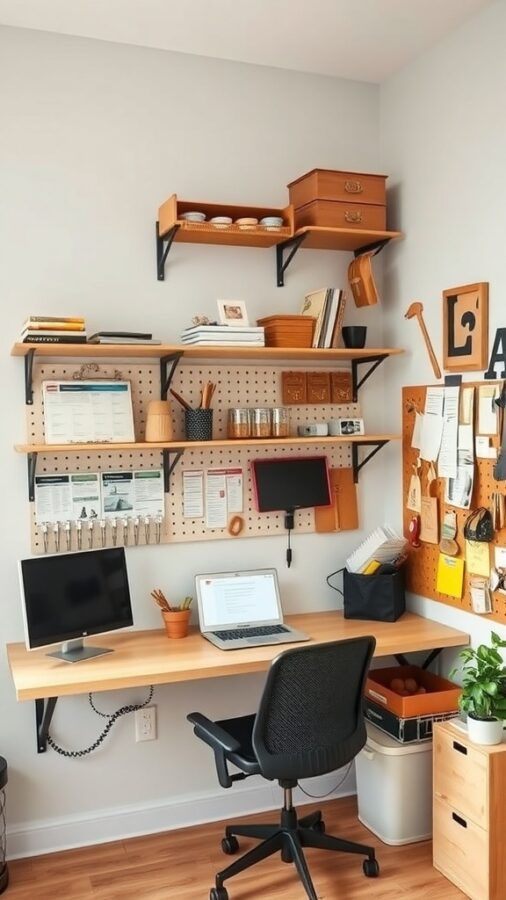
Utilizing your walls effectively can dramatically declutter your workspace and enhance accessibility. The featured setup demonstrates how wall-mounted shelves and pegboards can turn vertical surfaces into valuable storage zones. Decorative containers on upper shelves conceal supplies neatly, while the pegboard below offers a practical spot for frequently used tools and reminders.
This approach not only frees up desk and floor space but also adds an element of style to your office. Striking a balance between utility and visual appeal, wall storage solutions can be customized to fit your needs, whether it’s hanging organizers, floating shelves, or magnetic boards. Explore options like wall storage organizers to optimize your vertical space.
Smart Integration of Technology
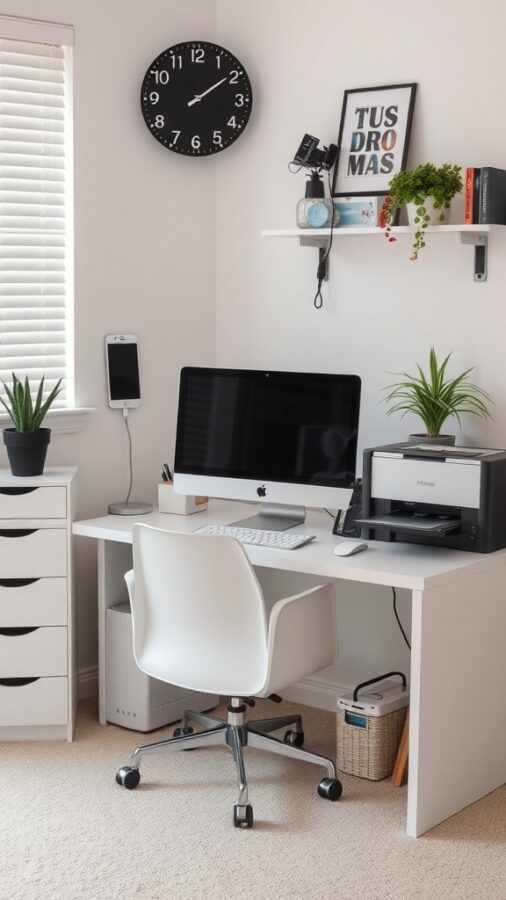
Incorporating technology thoughtfully is crucial for a seamless home office. The image highlights a minimalist desk featuring a modern computer and a nearby printer, ensuring essential devices are within arm’s reach. This proximity reduces interruptions and streamlines your workflow.
Adding natural elements like indoor plants not only enlivens the space but also contributes to better air quality and mental well-being. A wall clock helps maintain time awareness, supporting effective time management. Additionally, setting up a dedicated smartphone charging station keeps your devices powered without cluttering your desk.
By blending technology with organization, you create a workspace that is both functional and inviting, fostering focus and efficiency.
Personalizing Your Workspace for Inspiration
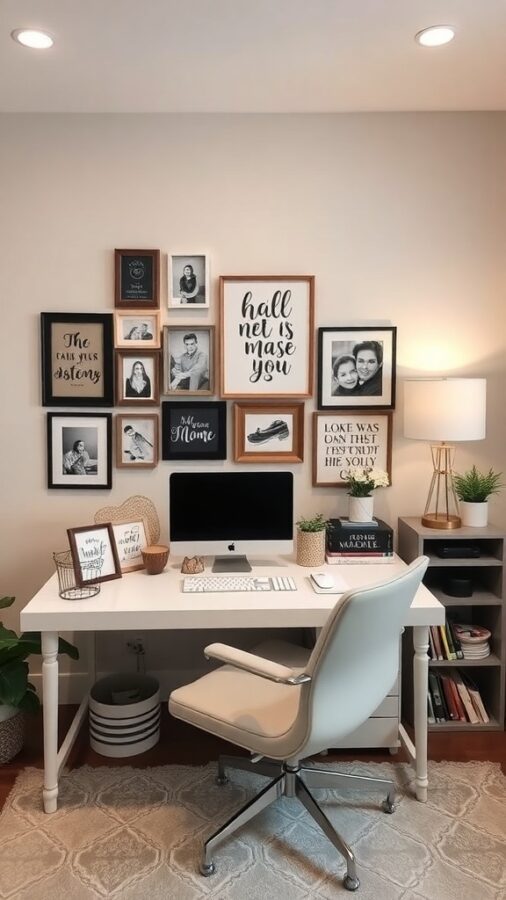
Transform your home office into a space that reflects your personality and motivates you daily. The example shows a desk area enhanced with framed photographs and uplifting quotes, creating a warm and encouraging atmosphere. Such personal elements can spark creativity and provide comfort during demanding work sessions.
Incorporate meaningful items like artwork, souvenirs, or unique desk accessories to make the space truly yours. Even small touches, such as a favorite mug or a handcrafted pen holder, can make your office feel more inviting and less sterile. Consider browsing desk accessories to find pieces that add character without overwhelming your workspace.
Optimizing Storage for Clarity and Efficiency
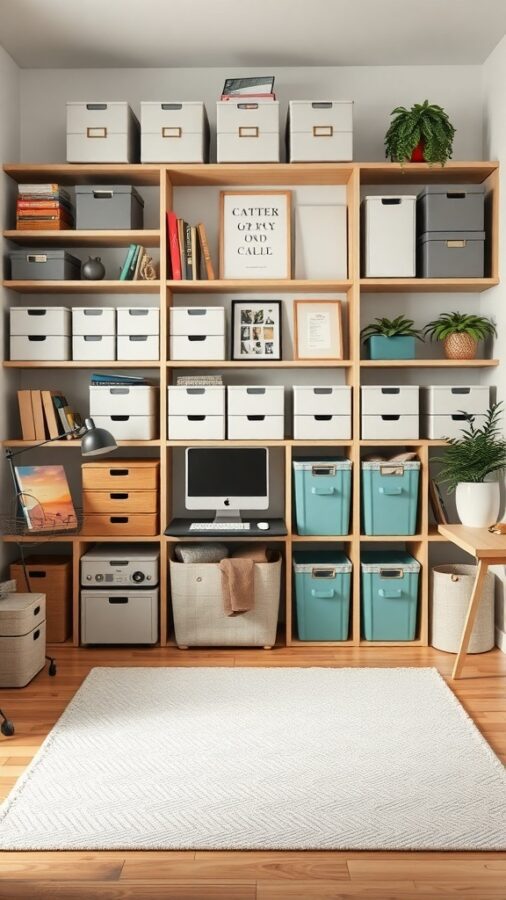
Effective storage is a cornerstone of a well-ordered home office. The image illustrates a shelving system combining closed storage boxes and open shelves, balancing concealment of clutter with display of books and decorative items. This method keeps your space neat while adding personality.
Color-coded and labeled containers can expedite locating supplies and documents, reducing time wasted searching. For example, use vibrant bins for office essentials and neutral ones for less frequently used items. Explore storage boxes for office to find versatile options that suit your style and needs.
Maintaining a minimalist desk surface with only necessary tools visible helps sustain focus and reduces distractions.
Crafting an Environment That Boosts Productivity
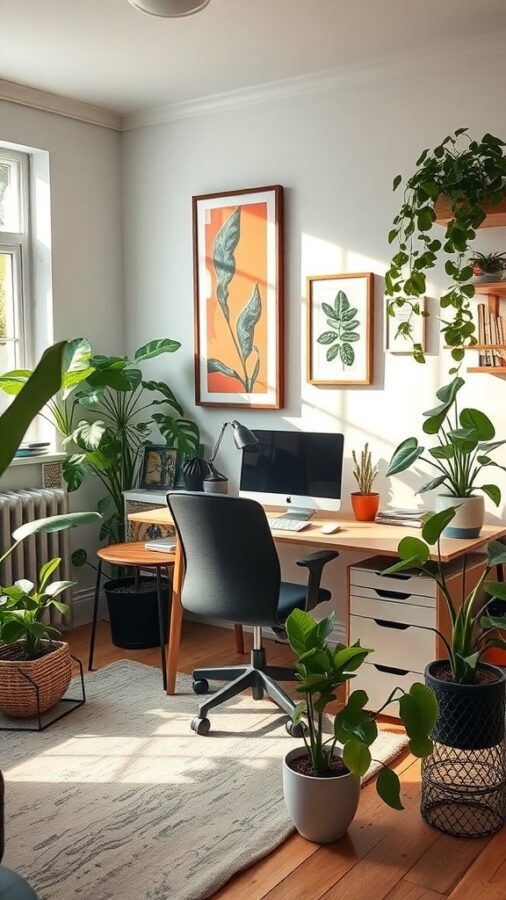
Designing a workspace that fosters productivity involves attention to lighting, comfort, and ambiance. The bright office shown benefits from ample natural light, which is proven to enhance mood and energy. Incorporating greenery further refreshes the atmosphere and supports mental clarity.
Investing in an ergonomic chair with adjustable features ensures comfort during extended work periods, preventing fatigue and promoting good posture. Adding soft textures like a rug can make the space feel more welcoming and reduce noise.
Personalized touches such as framed artwork or motivational prints can inspire creativity while maintaining a professional environment.
Maintaining a Clutter-Free Desk
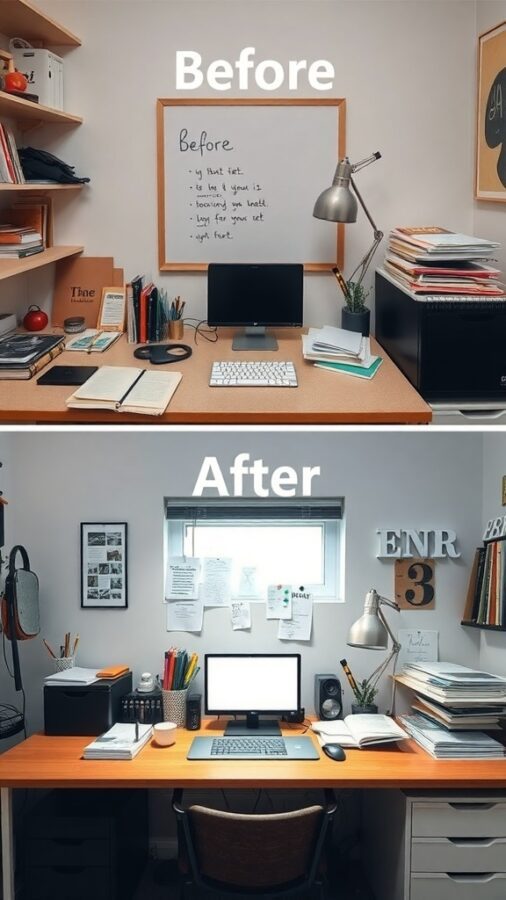
Clearing your desk of unnecessary items can significantly improve your focus and reduce stress. The transformation depicted shows how removing excess papers, books, and gadgets creates a serene and inviting workspace.
Begin by emptying your desk completely, then selectively return only essential items such as your computer, a notebook, and writing tools. Store or discard the rest to maintain a clean surface.
Arrange frequently used materials within easy reach and utilize organizers to keep supplies orderly. Regularly dedicating a few minutes to tidying your desk at the end of each day helps sustain this organized state.
Implementing an Efficient Paper Management System
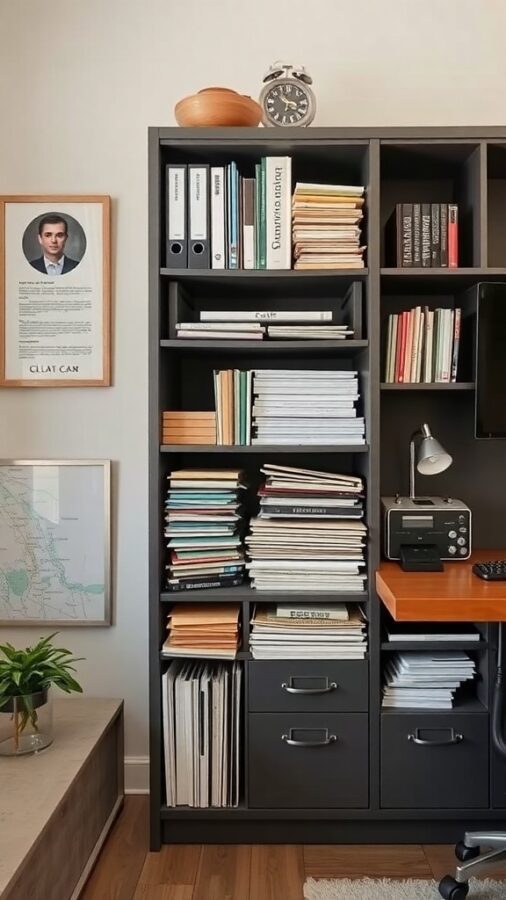
Handling paperwork efficiently is vital to prevent clutter buildup. The image showcases a neatly arranged shelving unit with categorized files and folders, demonstrating an effective paper management system.
Sort documents into clearly labeled folders or binders, using color coding to differentiate categories-such as red for urgent tasks and yellow for reference materials. This visual system accelerates retrieval and reduces frustration.
Designate a specific spot for incoming papers, like a tray or inbox, and make it a habit to process these regularly. To further minimize physical clutter, consider digitizing important documents using scanners and storing them securely in cloud services.
Designing a Workspace for Maximum Functionality
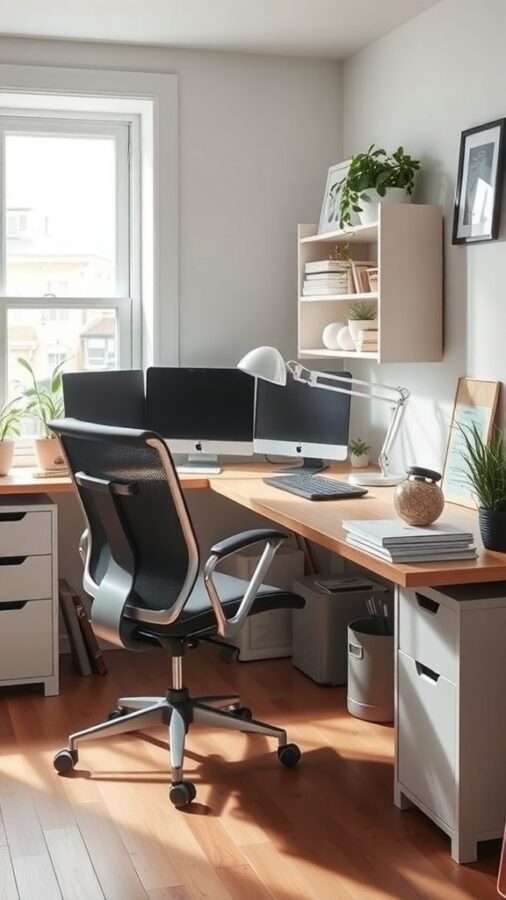
Arranging your home office to support your work style can enhance efficiency and comfort. The example features a spacious desk accommodating dual monitors, ideal for multitasking and increasing screen real estate.
An ergonomic chair with adjustable settings supports posture, while natural light and greenery create a pleasant atmosphere. Storage units like drawers and shelves keep essentials organized and out of sight, reducing distractions.
Consider investing in quality ergonomic office chairs and monitor stands to customize your setup for long-term comfort and productivity.
Leveraging Time Management Tools
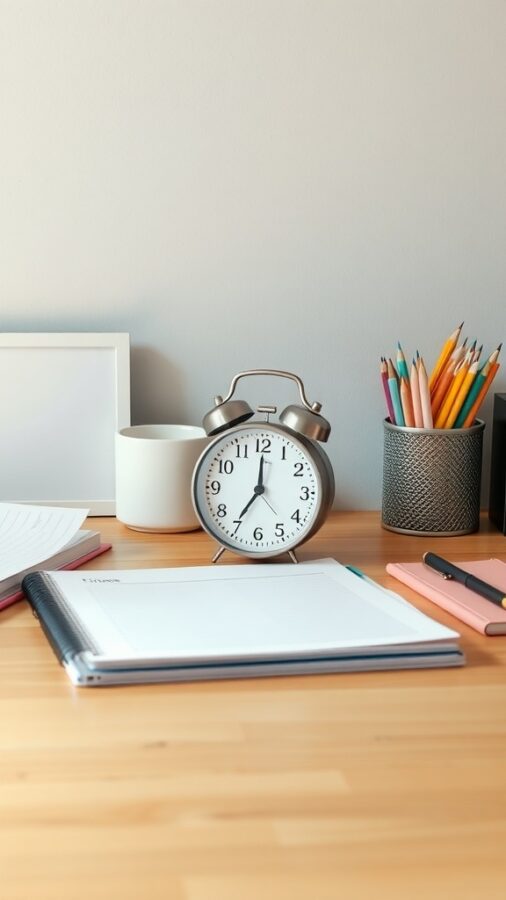
Utilizing tools to manage your time effectively is essential for maintaining an orderly home office. The image depicts a tidy desk with a traditional alarm clock, vibrant pencils, and notebooks, symbolizing structured planning.
Use timers or alarms to segment your work into focused intervals, incorporating breaks to sustain energy. Keeping your desk clear of unnecessary items minimizes distractions, allowing you to concentrate on your tasks.
Digital planners and task management apps complement physical notebooks, helping you prioritize and track progress efficiently.
Establishing a Focused, Distraction-Free Environment
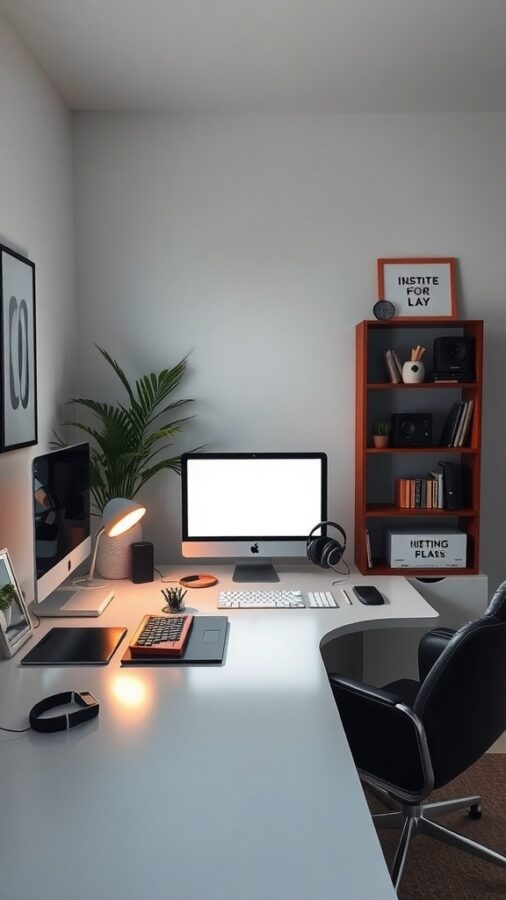
Creating a workspace free from distractions is vital for deep focus. The sleek setup shown features a minimalist desk with essential tech devices and organized shelving, promoting a calm and efficient atmosphere.
Soft lighting reduces eye strain, while noise-canceling headphones can help block out background sounds. Incorporating a small plant adds a natural element that can alleviate stress.
Keep personal items minimal and intentional to inspire without diverting attention. This balance helps maintain mental clarity and productivity throughout your workday.
Selecting an Ergonomic Chair for Comfort
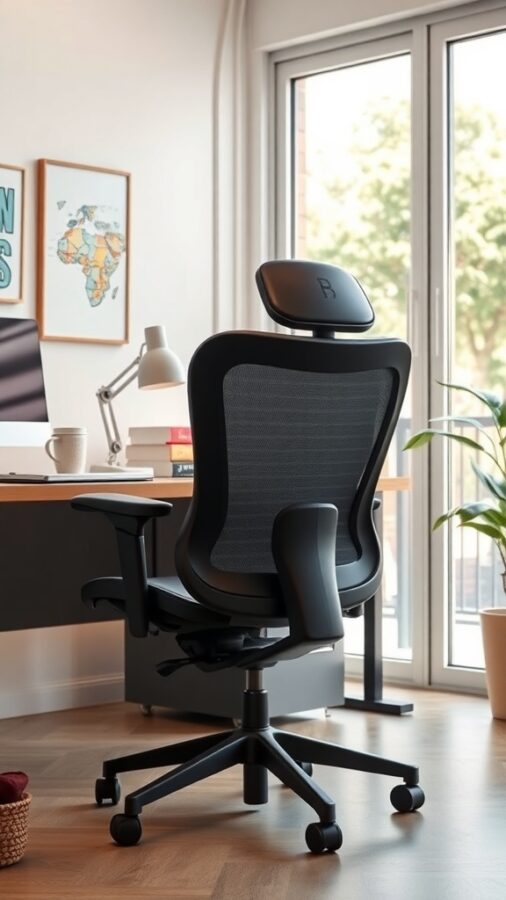
Investing in a high-quality ergonomic chair is fundamental for comfort and health during extended work sessions. The chair shown features breathable mesh fabric, adjustable height, and armrests, all designed to support proper posture and reduce physical strain.
Ensure your chair is positioned so your feet rest flat on the floor and your knees form a 90-degree angle. This alignment helps prevent discomfort and keeps you focused on your tasks.
Taming Cable Clutter for a Sleek Look
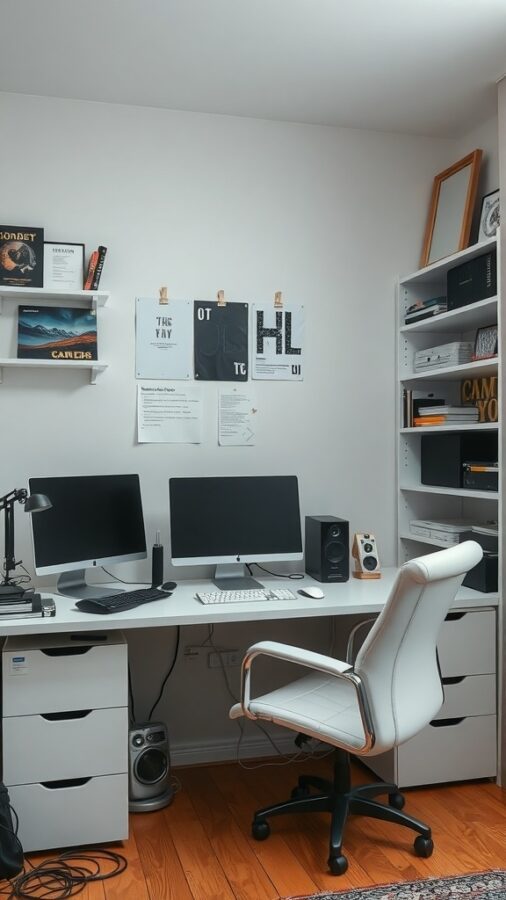
Managing cables effectively is key to maintaining a polished and distraction-free workspace. The image illustrates a setup with minimal visible wiring, achieved through the use of cable clips, sleeves, and under-desk organizers.
Labeling cords can simplify device management, making it easier to identify and unplug equipment when necessary. Whenever possible, opt for wireless peripherals like keyboards and mice to further reduce cable clutter.
Building a Consistent Daily Workflow
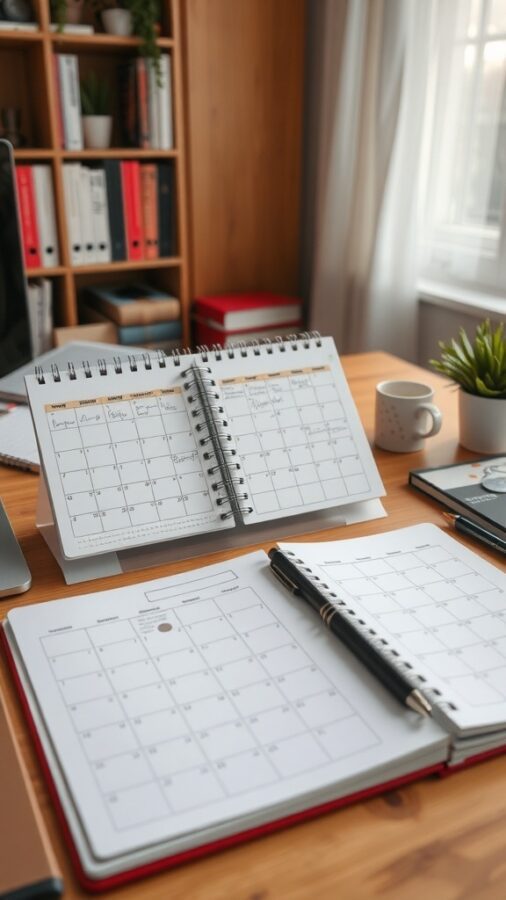
Establishing a structured daily routine is instrumental in maintaining order and productivity in your home office. The image features planners and calendars, tools that help visualize and prioritize your tasks effectively.
Define clear work hours to separate professional responsibilities from personal time. Incorporate regular breaks to recharge, as suggested by the coffee cup in the scene. Periodically review and adjust your schedule to accommodate evolving demands and maintain balance.
Using both analog planners and digital apps can provide flexibility and enhance your organizational system.
